 Orrin
Orrin
Make the engine yours.
Orrin is an open-source 3D engine written in Rust, with C# scripting hosted in-process. It's built so you can take the subsystems your game needs and leave the rest behind.
# Run the engine on its built-in demo
$ cargo run -p orrin-core

# Or scaffold a project with the CLI
$ cargo build -p orrin-cli
$ ./target/debug/orrin new my-game
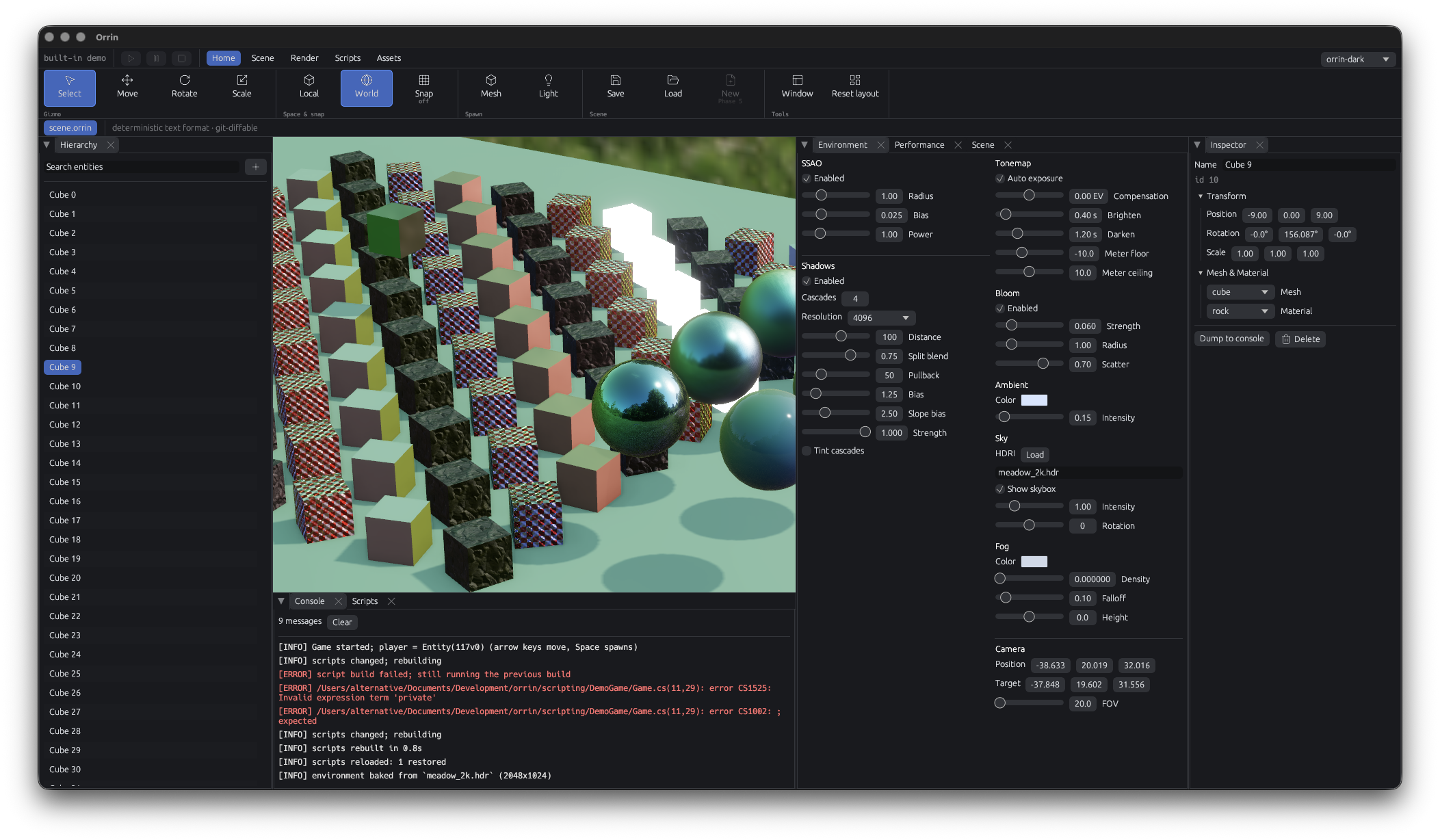
The editor
Early demo state, expect changes.
Only the engine you actually use
Most engines are generalised, so every project carries the weight of every feature. Orrin's position is the opposite one: select the options your game needs, and don't get held back by the rest.
See what's shippedTwo seconds, or it's a regression
Unreal's compile-and-restart loop and Unity's domain-reload stalls are the most-complained-about parts of both engines. Orrin treats “change code, see the result in under two seconds” as a hard constraint every subsystem has to respect - game code, shaders and assets alike.
Read about scripting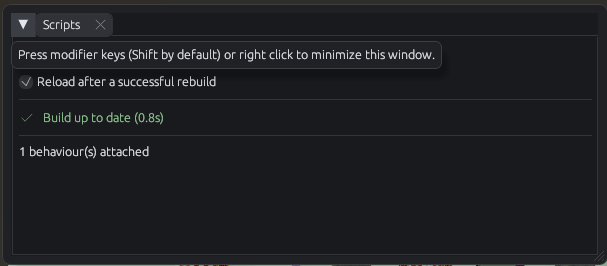
Hot reloading and external game assemblies landed in Phase 2 (issue #5); the build watcher is issue #18.
Nothing here should need our servers
Licensing changes, runtime fees and closed editors are the reason people stop trusting an engine. Orrin's rule is that no subsystem may ever depend on a service only the Orrin team can run. Anything networked has to be self-hostable, with paid hosting as a convenience on top.
The longer argumentWhere the project actually is
Phases 1 and 2 are largely closed: C# scripting, hot reload, external game assemblies, the CLI and the build watcher all landed. Phase 3 (editor usability and the asset pipeline) and Phase 4 (shadows, lights, audio, in-game UI) are the open work.
Real-time collaboration and the package registry are named in the architecture plan for 2027–2028. They are not implemented, and this site doesn't pretend otherwise.
Contributions aren't open yet - the plan is to accept them after Phase 5. Until then, the Discord is where development gets discussed.
Start with the demo scene
One cargo run gets the engine up with its
built-in demo. The CLI scaffolds a project with a manifest, a
.csproj and an entry Behaviour, so you don't have
to know the workspace layout first.